Moving file using cmd? [closed]
 Sebastian Wright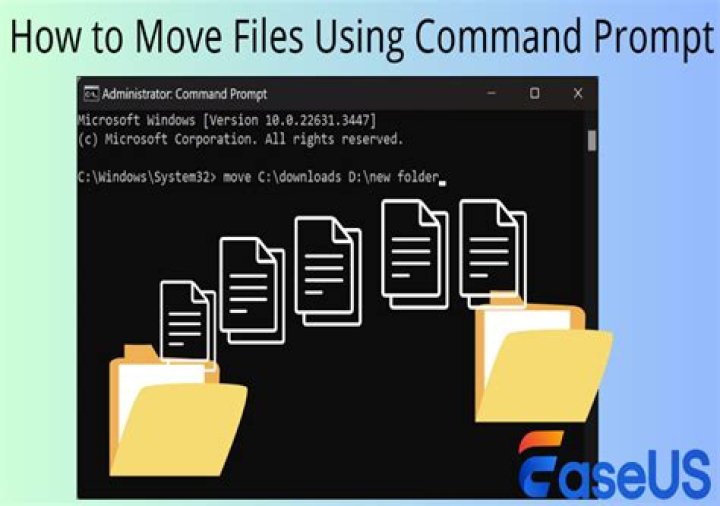
I have a file that I have downloaded from Google (it is inside the download folder) and I want to move it to the autorun folder ( The folder where files run when the computer turns on).
I need to move the file using a cmd command ( the reason why is that it's going to be done using the USB rubber ducky. I am using windows 10 64 bit if it is any help.
The path where the file is
C:\Users\%USERPROFILE%\Downloads\Test.exeand the path I want to move it to is
C:\Users\%USERPROFILE%\AppData\Roaming\Microsoft\Windows\Start Menu\Programs\StartupThe reason why %USERPROFILE% is that it should work on all computer.
2 Answers
To move a file, you use the move command.
move "%USERPROFILE%\Downloads\Test.exe" "%USERPROFILE%\AppData\Roaming\Microsoft\Windows\Start Menu\Programs\Startup"I put quotes around the source and target in case you're one of those people who has spaces in their username for some reason (and the target needs them anyway for the spaces in "Start Menu").
From the output of move /?:
Moves files and renames files and directories.
To move one or more files:
MOVE [/Y | /-Y] [drive:][path]filename1[,...] destination [drive:][path]filename1 Specifies the location and name of the file or files you want to move. destination Specifies the new location of the file. Destination can consist of a drive letter and colon, a directory name, or a combination. If you are moving only one file, you can also include a filename if you want to rename the file when you move it. [drive:][path]dirname1 Specifies the directory you want to rename. dirname2 Specifies the new name of the directory. /Y Suppresses prompting to confirm you want to overwrite an existing destination file. /-Y Causes prompting to confirm you want to overwrite an existing destination file.To move file use mv, but not working if you don't do with admin, how you can hack, try superuser tools for windows!
2



