Mate snipping tool faster to display than "mate-screenshot"/Eye-of-Mate
 Andrew Mclaughlin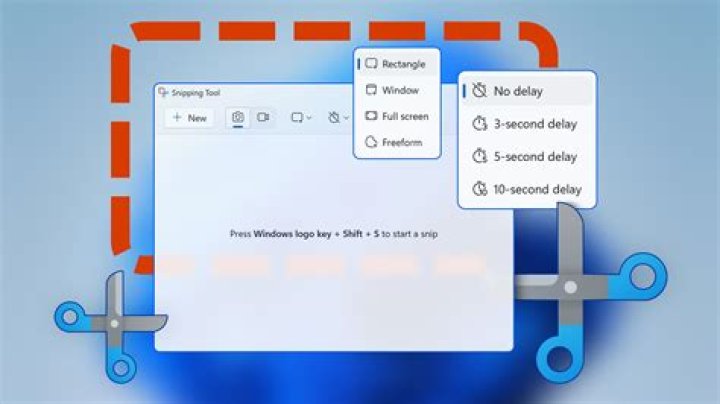
I am a SysAdmin of many decades. I routinely juggle dozens of windows on my Mate desktop when working a crisis. My workstation has 4 monitors, 4 Mate workspaces, and it is not nearly enough! So I use screen captures to help further organize the data.
However, "mate-screenshot --area" has no direct option for "display now". You have to save to disk and open in "Eye of Mate". WTF!
Way back, Windows 7 had "Snipping Tool": one click, one drag, instant display! Of course, Microsoft totally screwed it up in Windows 10 - one of so many reasons my workstations are Ubuntu these days and any Microsoft OS I have to deal with is safely sequestered in a VM!
I am sure I can script/code something that will do all the keystrokes for me but I thought I would ask here first just to avoid possibly reinventing the obviously necessary:
Is there an existing snipping tool for the Mate Desktop that displays with one click and one drag?
1 Answer
OK, got tired of the problem...
Shell script:
#!/bin/bash
f=$(mktemp)
import $f.png
eom -n $f.png
rm $f*
Launcher:
[Desktop Entry]
Version=1.0
Type=Application
Terminal=false
Icon=applets-screenshooter
Icon[en_US]=applets-screenshooter
Exec=/home/<accountname>/Documents/Scripts/SnipTool.sh
Name[en_US]=Snip2Eom
Name=Snip2Eom



